
File Transfer
Navigation
To move small amounts of data on and off of the MSU ARC network from your local desktop select the file transfer client from the “Files” menu dropdown at the top of the dashboard.
Files can be found in the top left of the page.
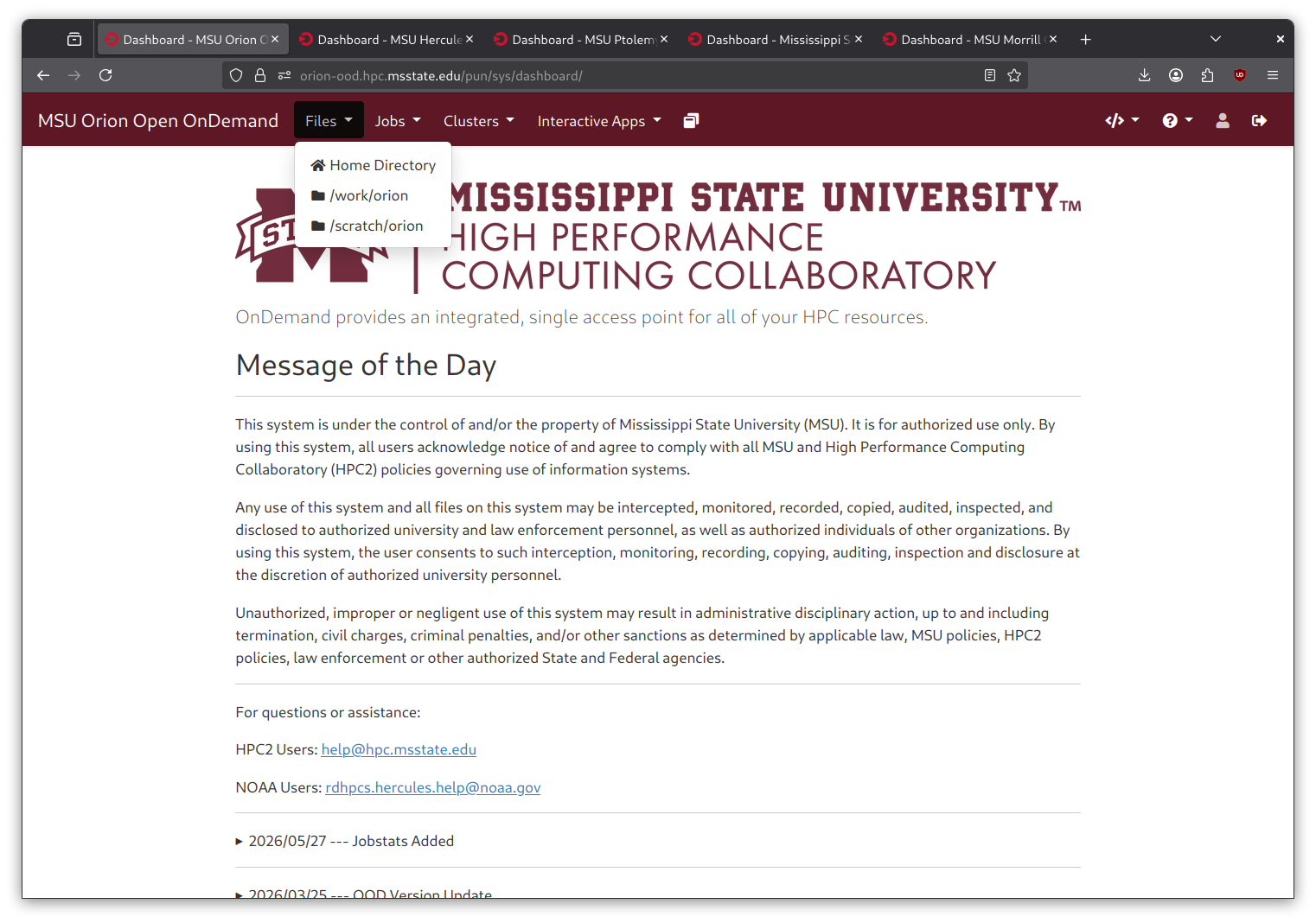
Clicking the “Home Directory” will open your /home/ directory on the cluster.
If you have files in the /work/ or /scratch/ directories the other options in the dropdown menu will open directly to them.
Uploading Files
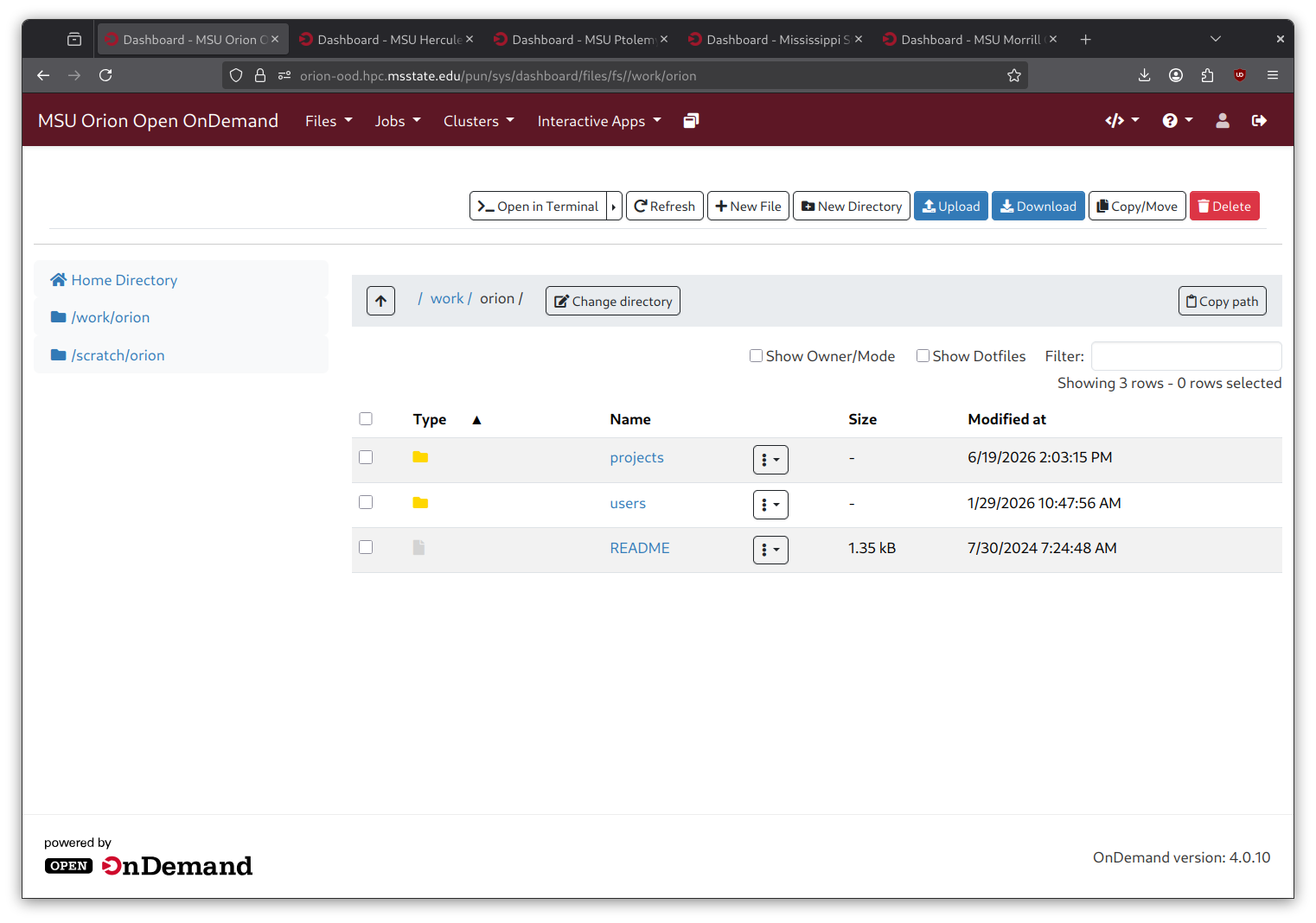
To upload a file click the “Upload” button at the top of the page.
A prompt will appear with multiple methods to select the files you wish to upload.
You may either drag and drop your desired files into the prompt that appears or browse your local machine for the files and/or folders that you wish to upload.
Downloading Files
To download files and folders highlight them by clicking the checkbox on the left. Once highlighted, click the “Download” button at the top of the page.
Highlight the files then click “Download”.