
Logging In
To connect to a cluster’s Open OnDemand interface visit the cluster’s link with a recent version of Chrome, Firefox, or Edge. Users must login via the CAS server with the user’s ARC credentials and ARC Duo authentication.
Connect to Open OnDemand using https://orion-ood.hpc.msstate.edu in a compatible web browser.
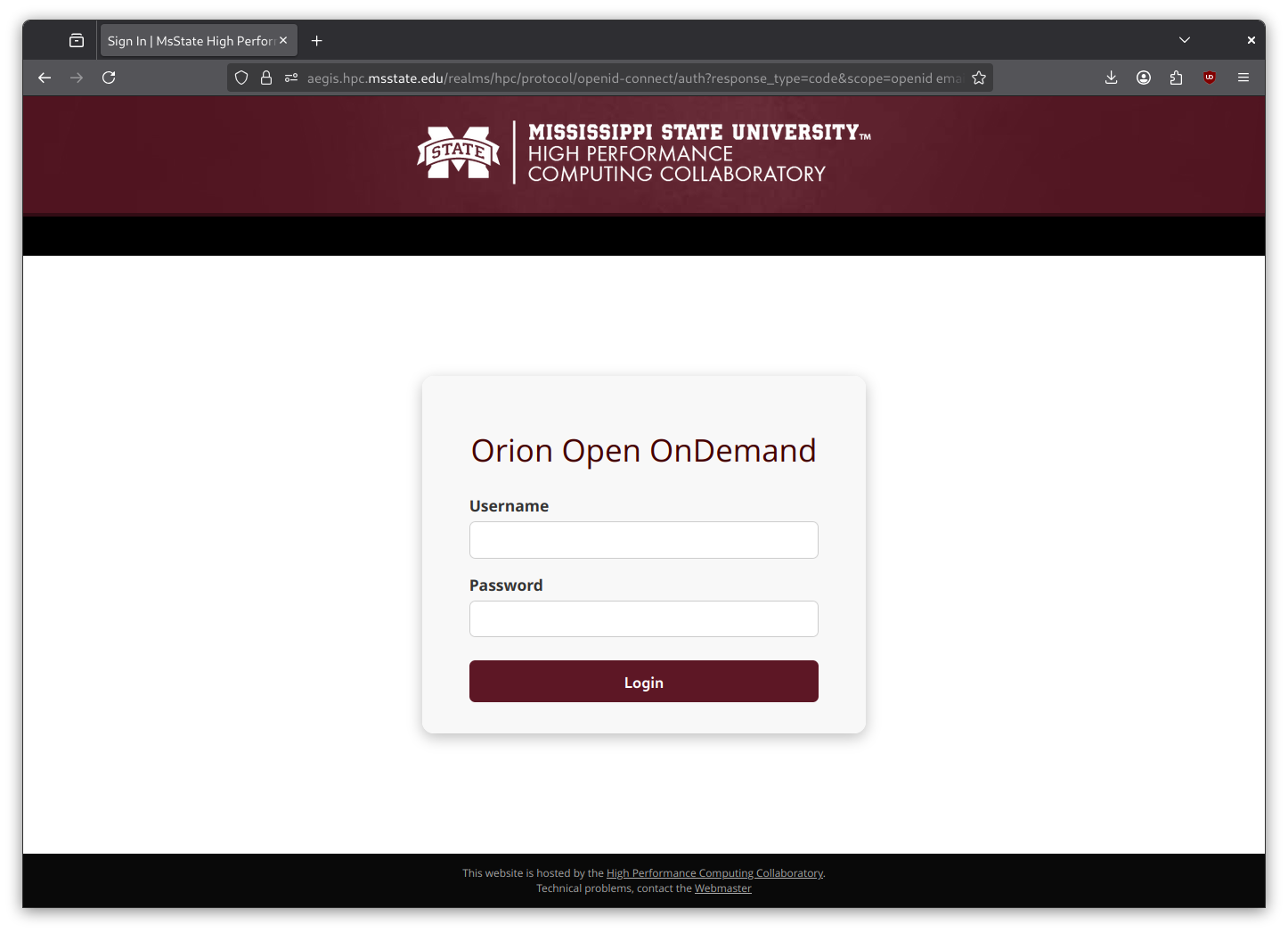 Login using your ARC credentials.
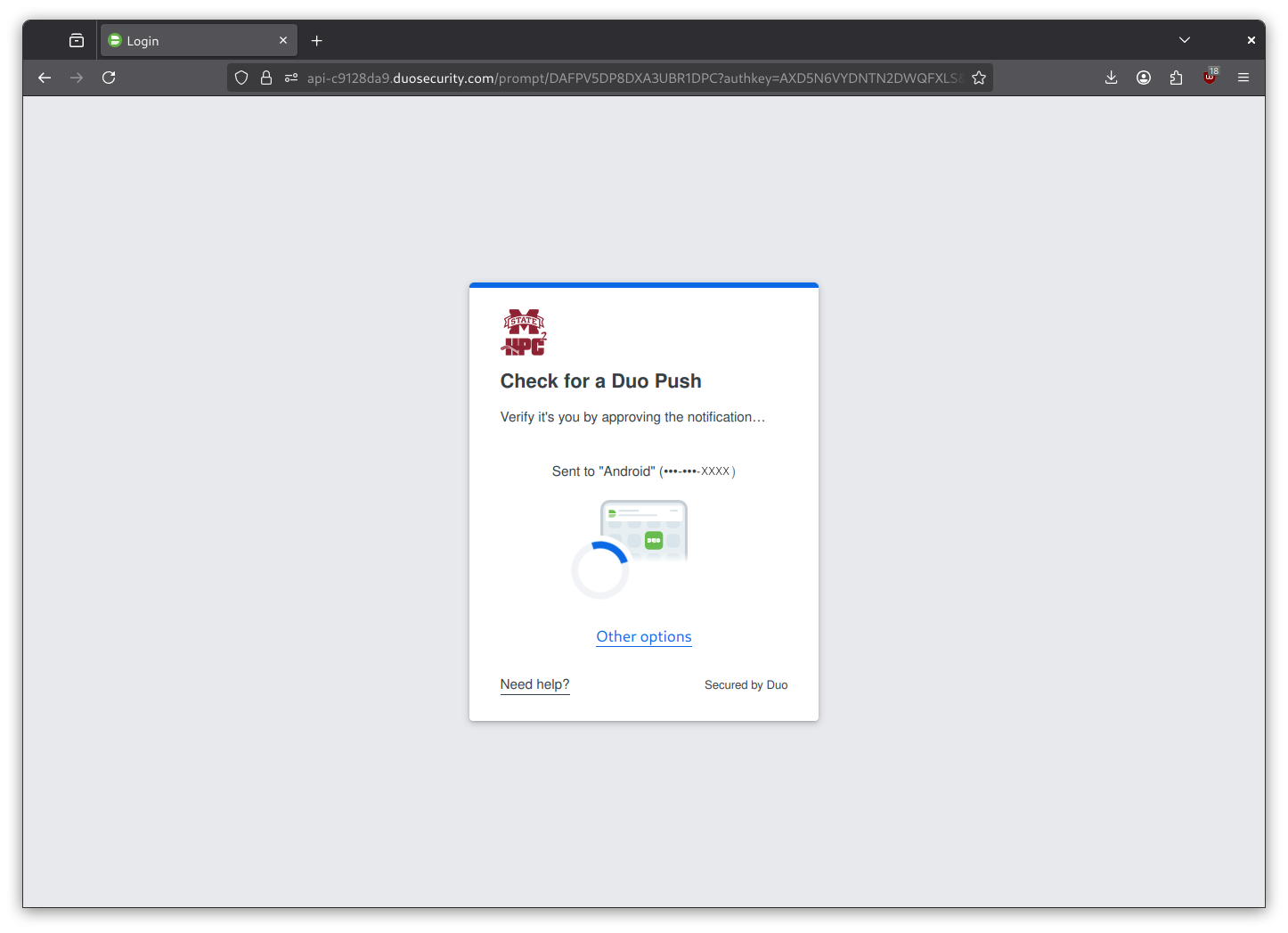 You will be redirected and prompted with a DUO two-factor authentication login.
Connect to Open OnDemand using https://hercules-ood.hpc.msstate.edu in a compatible web browser.
Login using your ARC credentials.
You will be redirected and prompted with a DUO two-factor authentication login.
Connect to Open OnDemand using https://ptolemy-ood.arc.msstate.edu in a compatible web browser.
Login using your ARC credentials.
You will be redirected and prompted with a DUO two-factor authentication login.
Connect to Open OnDemand using https://atlas-ood.hpc.msstate.edu in a compatible web browser. You will be redirected to sign in with your USDA Credentials.
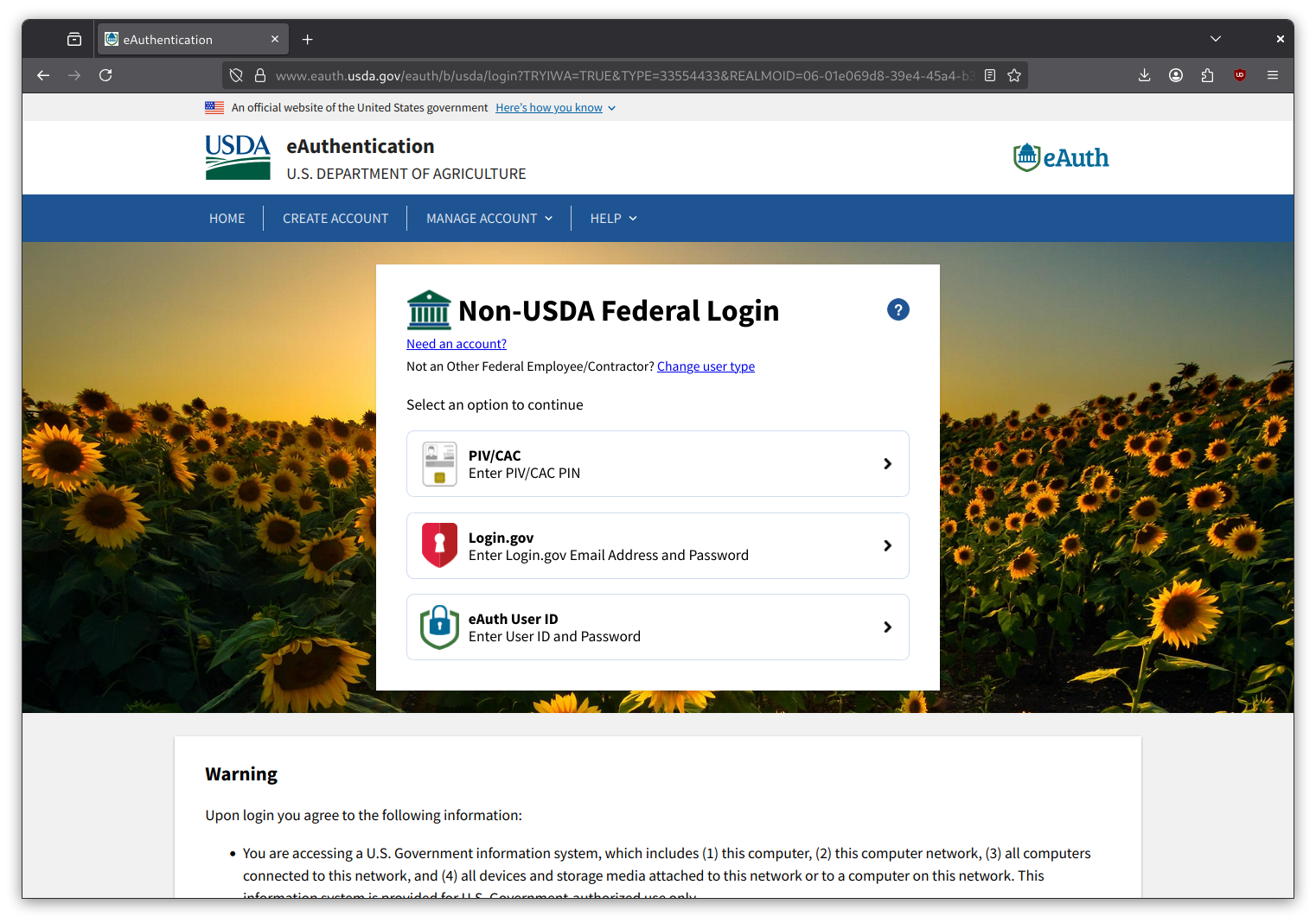 Once you have logged in, you will be redirected back to OOD.
Connect to Open OnDemand using https://morrill-ood.hpc.msstate.edu in a compatible web browser.
Login using your ARC credentials.
You will be redirected and prompted with a DUO two-factor authentication login.