Job Management
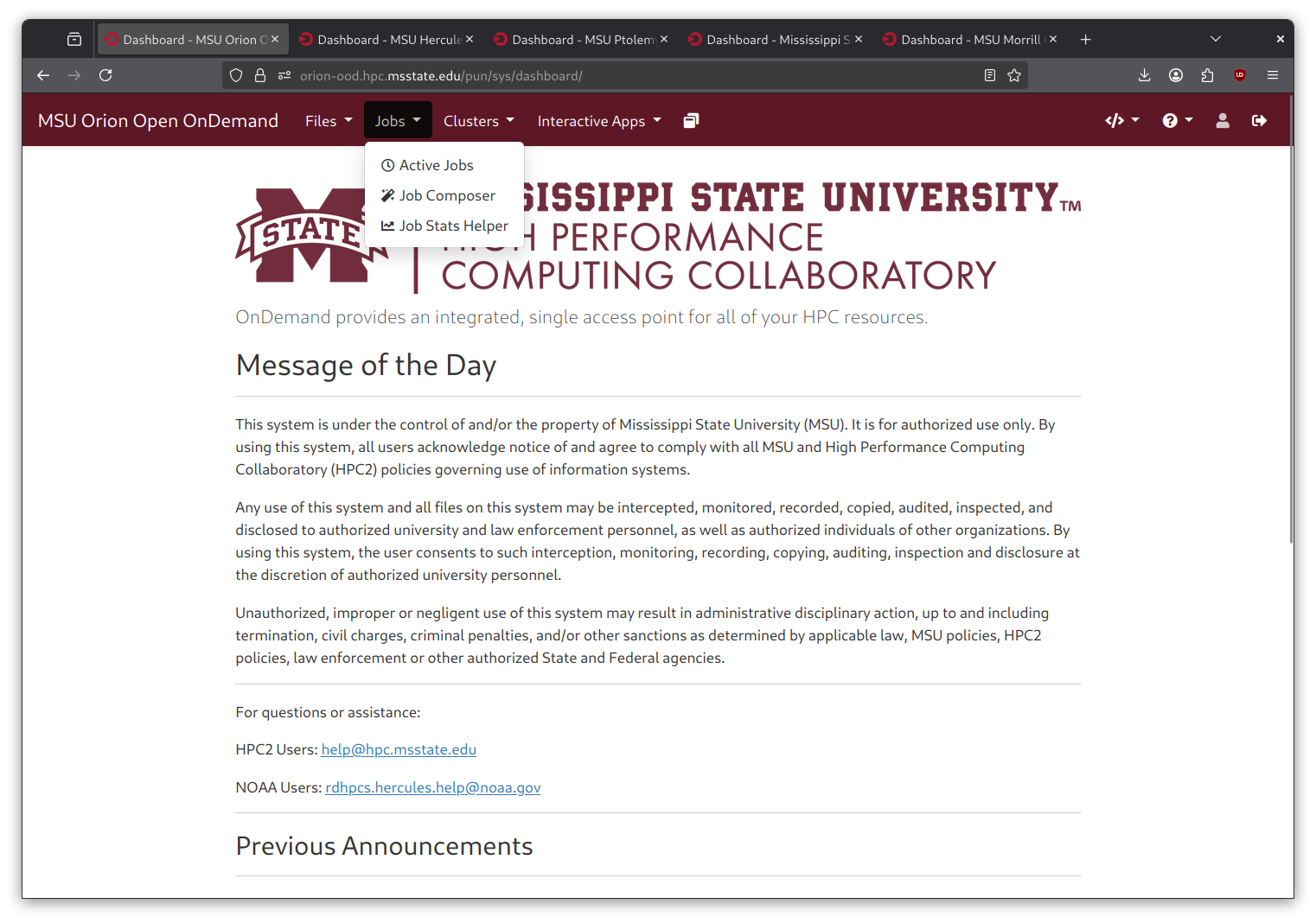
The “Jobs” utility in the navigation bar contains two apps. The Active Jobs applications monitors queued and running jobs. The Job Composer application allows users to create and submit new jobs through a web interface.
Active Jobs
Navigating to “Active Jobs” in OnDemand Dashboard.
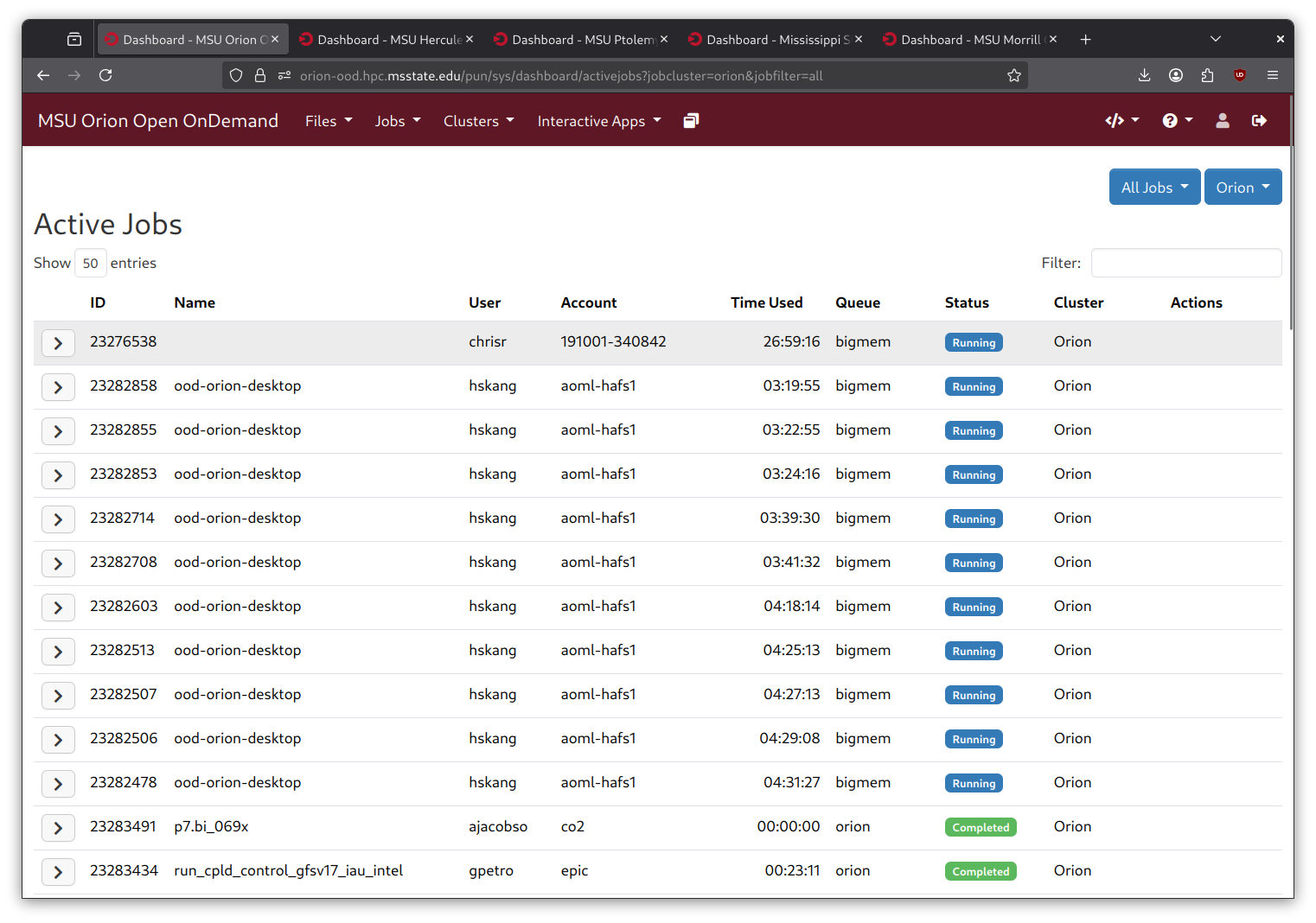
The “Active Jobs” application will show you all of the jobs currently running or in queue, regardless of how the jobs were initially submitted. Jobs can be filtered at the top of the page based on systems, accounts, or users.
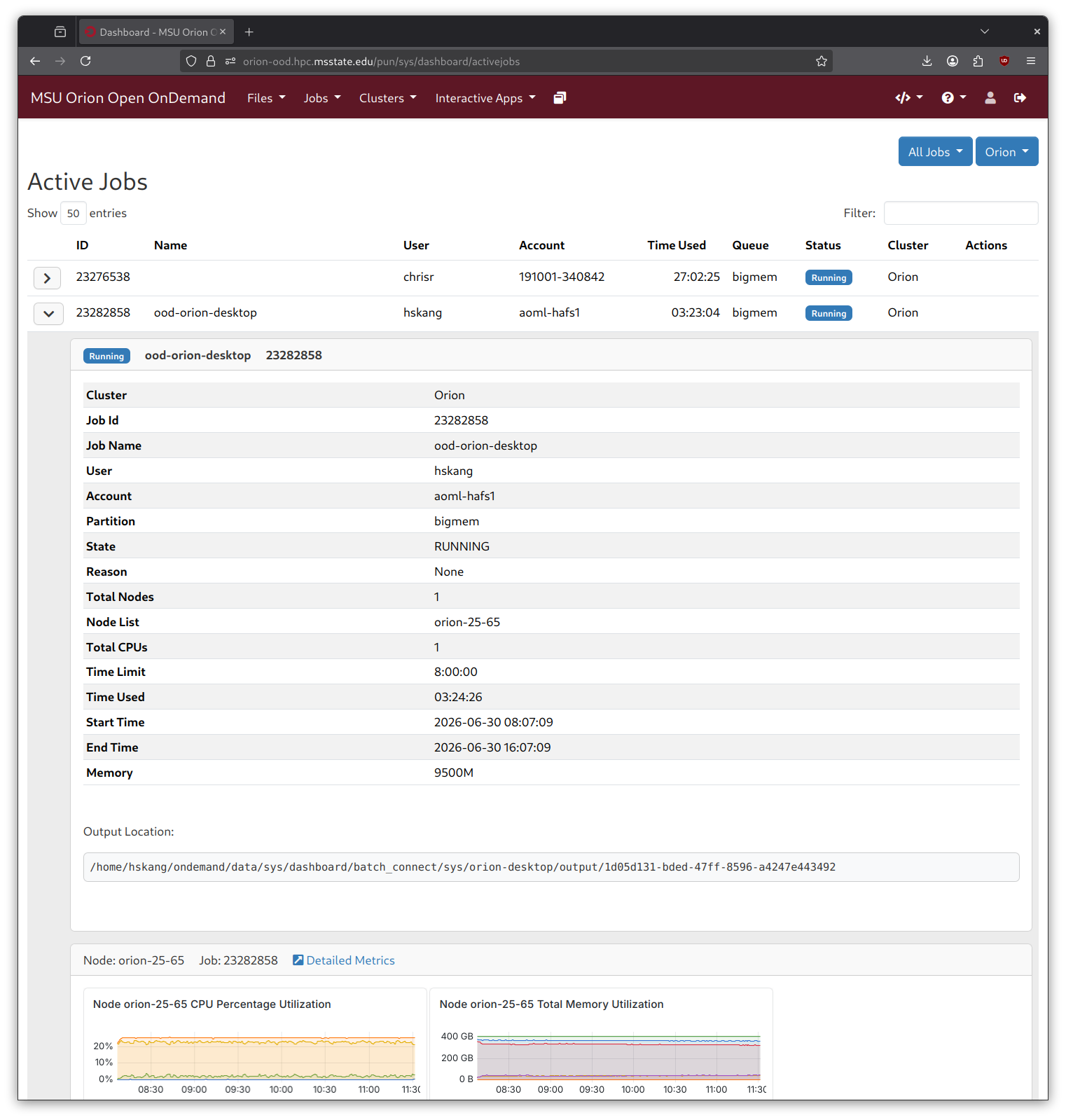
 Detailed job information.
Click the arrow to the left of each job to see more information about a specific job. It provides info on each node the job is running on over the entire duration of the job.